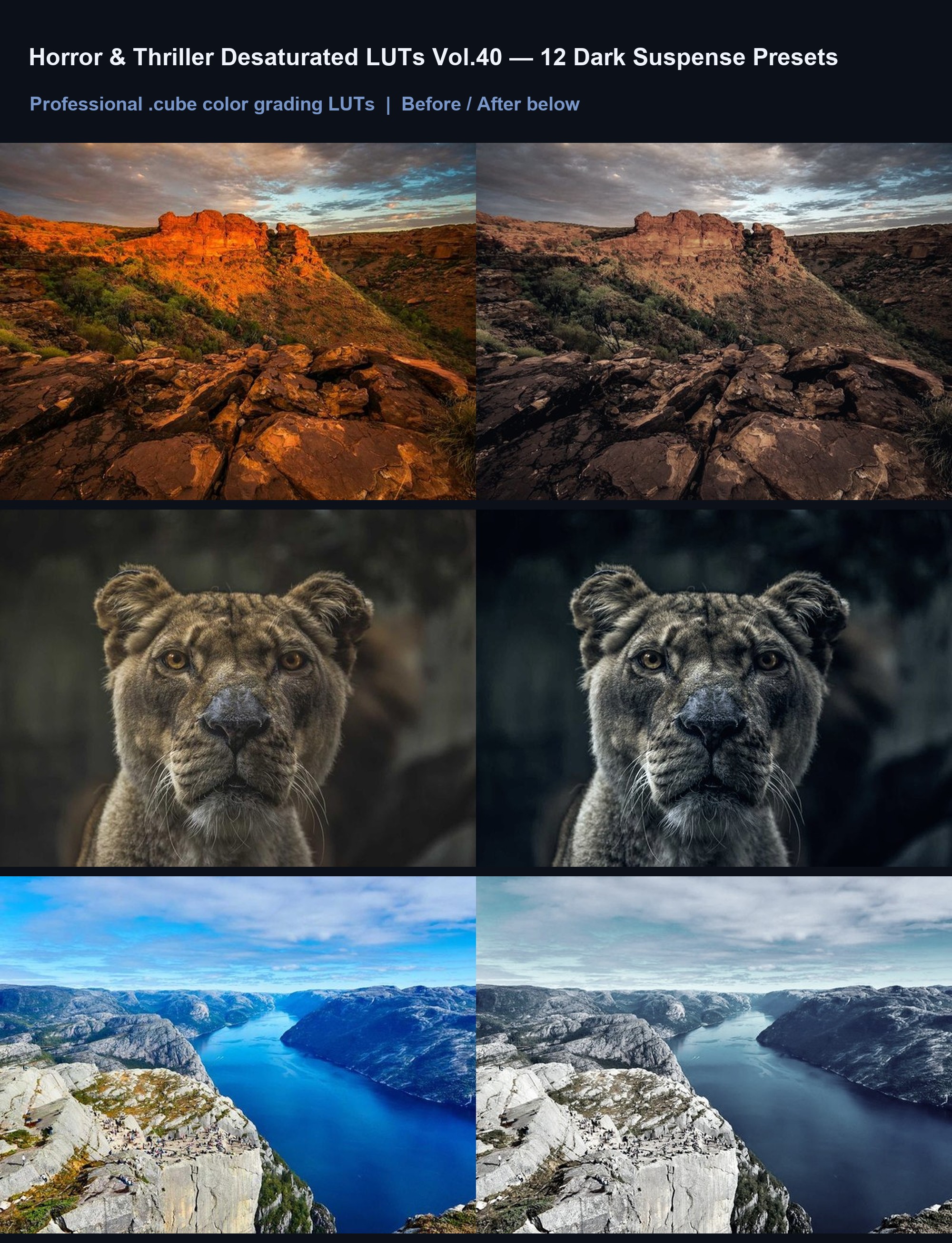

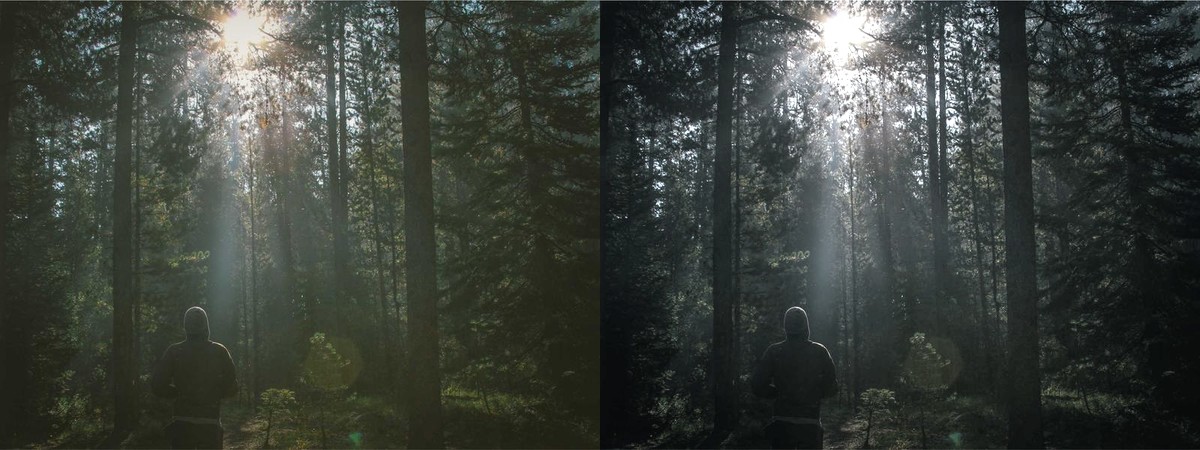
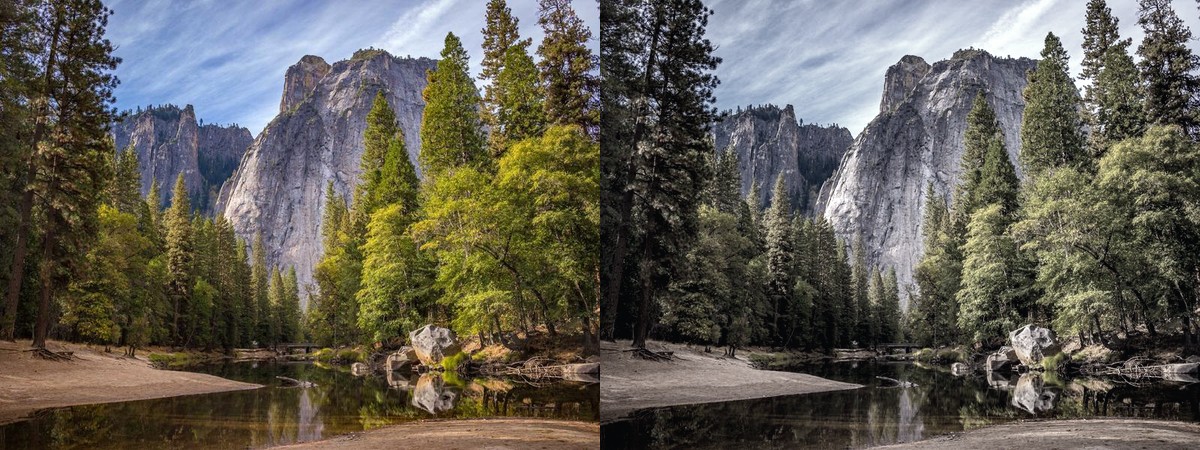

Horror & Thriller Desaturated LUTs Vol.40 — 12 Dark Presets
12 desaturated color grades for dark, suspenseful video and photo projects.
Why you'll love it
- 12 distinct .cube files for horror, thriller, and suspense projects.
- Desaturated palettes that emphasize shadow detail and muted tones.
- Works in Premiere Pro, DaVinci Resolve, CapCut, Final Cut, Lightroom.
- Simple drag-and-drop import; no plugins, scripts, or GPU boost needed.
- Color-only grading. Does not add grain, sharpen, or denoise footage.
- Instant digital download with lifetime updates and license for commercial use.
What's included
Thank you for purchasing Horror & Thriller Desaturated LUTs Vol.40. This pack contains 12 .cube LUT files designed for color grading only. They do not include grain, sharpening, or noise reduction effects. Ensure your footage is properly exposed before applying a LUT for best results. To import, open your editing software (Premiere Pro, DaVinci Resolve, CapCut, Final Cut Pro, or Lightroom) and locate the LUT import or color grading panel. Select the .cube files from the downloaded folder. In Premiere, go to Window > Lumetri Color and load the LUT from the Color Wheels section. In DaVinci, use the Gallery tab to import custom LUTs. In CapCut, go to Filters > LUTs and select the uploaded files. Adjust opacity or intensity as needed to match your footage.